
The short answer
The fastest supported setup is npx @opencode/console setup claude-code. The command opens Console for approval, selects a workspace, and connects Claude Code to the workspace models and policies without a custom session-header wrapper.
How do you connect OpenCode Go to Claude Code?
Run the Console setup command with Node.js 22 or later, approve the browser prompt, and choose the workspace that owns the Go subscription.
npx @opencode/console setup claude-codeThe CLI opens a browser approval flow. After sign-in, select the intended workspace. The command then supplies Claude Code with the workspace models, policies, MCP servers, skills, and instructions.
This is preferable to copying an API key into an isolated local file when you want the harness to follow workspace controls. The setup stays synchronized as the CLI and workspace configuration change.
What does Console add to Claude Code?
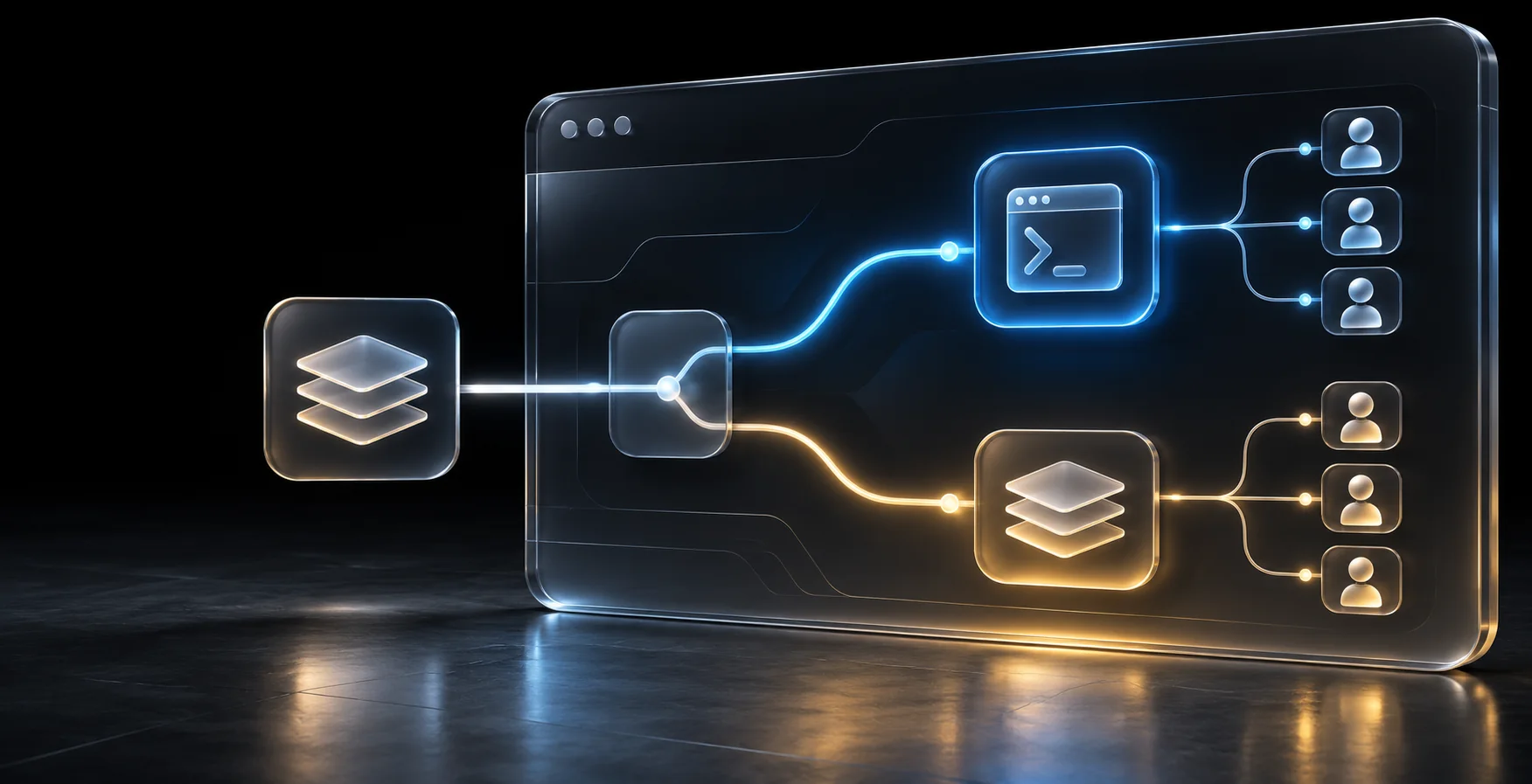
Console supplies model routing, workspace policy checks, MCP servers, skills, and shared instructions while Claude Code remains the interface and execution harness.
The policy layer is checked before tool calls. That matters when a workspace has rules about models, allowed actions, or provider data handling. A client configuration that bypasses the setup flow may still send requests, but it will not reproduce every Console integration automatically.
The CLI also keeps the harness configuration in sync. Treat it as the managed path and use manual API configuration only when the client or deployment environment requires it.
Can Claude Code use a manual Go API key?
Yes. For a manual setup, point the client at the Go base URL and the Anthropic Messages path, then supply a key from a workspace with active Go access.
The documented Go base URL is https://opencode.ai/inference/go. Claude Code speaks the Anthropic Messages API, whose documented path is /anthropic/v1/messages. Confirm the exact client configuration fields against the current Harness guide before committing a custom router in front of it.
Claude Code sends a native session header that OpenCode Go recognizes, so a custom x-opencode-session wrapper is unnecessary. If you add a proxy, preserve that header. Removing it can undermine prompt-cache reuse and routing continuity.
Which workspace should you select?
Choose the workspace with the active Go or Go Plus subscription and the policies you want Claude Code to follow.
- Verify the subscription belongs to the same workspace shown in the browser approval flow.
- Review MCP servers and workspace instructions before allowing the harness to use repository tools.
- Use separate workspaces for personal experiments and production repositories when policy or billing needs differ.
- If a team owns the subscription, make sure your member budget and key permissions are appropriate.
How do you verify the Claude Code connection?
Start with a harmless repository question, confirm that the expected Go model is selected, then inspect usage or the Console request activity before running a code-changing agent task.
- 01
Ask Claude Code to list the selected model or workspace connection.
- 02
Run a read-only prompt against a small test repository.
- 03
Confirm a successful response without an authentication or entitlement error.
- 04
Check the Console usage meter to verify the request was billed to the expected workspace.
- 05
Only then grant access to a production repository and run edit-capable tasks.
Why does Claude Code fail with OpenCode Go?
Most failures come from the wrong workspace, a missing Go entitlement, a proxy that drops the session header, or a model that is not available through external harnesses.
- HTTP 401: check the API key or rerun the browser approval flow.
- HTTP 403: verify Go is active in the selected workspace and choose a paid model.
- Unexpected model list: rerun the Console setup command and choose the correct workspace.
- Proxy errors: preserve Claude Code’s native session header.
- Repeated limit failures: inspect which Go usage window is exhausted.
Primary sources
Verify the current details
Product availability, model limits, pricing, and data terms can change. These primary sources are the authority for the facts on this page.
Next step
Connect Go to your coding workflow
Choose a plan with enough weekly and monthly allowance for the agent sessions you run.